Your GPU wants out of the host, and the VM is ready to adopt it
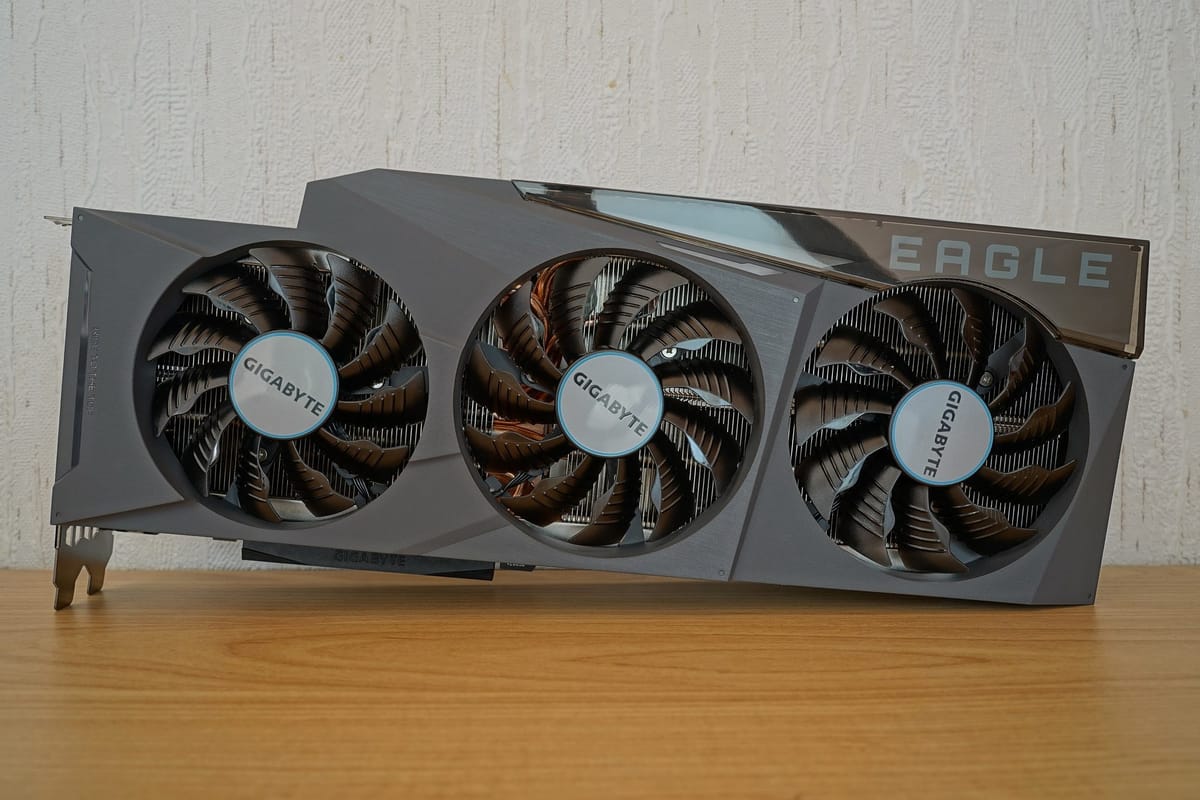

Every home server has a graphics card sitting in it doing absolutely nothing while the VM next door would kill for it. Passing the whole GPU through to a virtual machine fixes that, and when it works, the guest barely knows it isn't running on bare metal. Gaming, video encoding, a bit of machine learning: all near-native. When it doesn't work, you get a black screen and no error messages. Here's how to land on the right side of that line.
Step one: wake up the silicon
Head into the firmware setup and enable the CPU's virtualization extensions (Intel VT-x or AMD-V) and the IOMMU (Intel VT-d or AMD-Vi). The IOMMU is the bouncer that lets the hypervisor safely hand a PCI device to a guest. Then tell the kernel to actually use it:
# Intel
intel_iommu=on iommu=pt
# AMD (the IOMMU is usually on by default; iommu=pt still helps)
iommu=pt
iommu=pt (pass-through mode) spares the host's own devices from paying a translation tax.
Read your IOMMU groups like tea leaves
Here's the rule that decides everything: a device can only be passed through together with everything else in its IOMMU group. So go look:
for g in /sys/kernel/iommu_groups/*; do
  echo "Group ${g##*/}:"
  for d in "$g"/devices/*; do echo "  $(lspci -nns "${d##*/}")"; done
done
The dream is a GPU and its HDMI audio function in a group all by themselves. If they're sharing with a USB controller or a chipset bridge, try another PCIe slot before anything else. Yes, the ACS override patch can split groups, but it works by trusting devices to keep to themselves. Treat it as the last resort it is.
Keep the host's grubby hands off the card
Bind both functions of the GPU to vfio-pci at boot, using the vendor:device IDs from lspci -nn:
vfio-pci.ids=10de:2484,10de:228bAfter a reboot, lspci -nnk should report Kernel driver in use: vfio-pci for both. If the host's graphics driver grabs the card first, the guest will boot just fine and stare at you with a black screen forever.
Building the VM
- Use the Q35 machine type and OVMF (UEFI) firmware.
- Add the video and audio functions as two functions of one device in the guest, not two separate cards.
- Set the CPU mode to
host-passthroughand pin the virtual CPUs to physical cores (and their hyper-threads) that the host isn't busy with. - If the card is the only GPU in the machine, it may need its video BIOS handed over as a ROM file, dumped from the card itself. The firmware already used the card during boot and the guest wants a fresh copy. This is the step most guides forget.
The gotchas
- Reset bugs. Some cards don't reset cleanly when the VM stops, so the second boot hangs. Vendor-reset modules exist for the usual offenders, and a full host reboot always works.
- Power. The card draws from the host's power supply even while the VM is off. Check your PSU has headroom before you find out the exciting way.
- Input. Pass through a whole USB controller for keyboard, mouse and headset. It's far more reliable than passing individual USB devices one at a time.
Once it works, it's gloriously boring: the VM boots, the card shows up in the guest's device manager, and the host doesn't even notice it's gone. Boring is the goal.