The Raspberry Pi that booted perfectly and refused to tell anyone
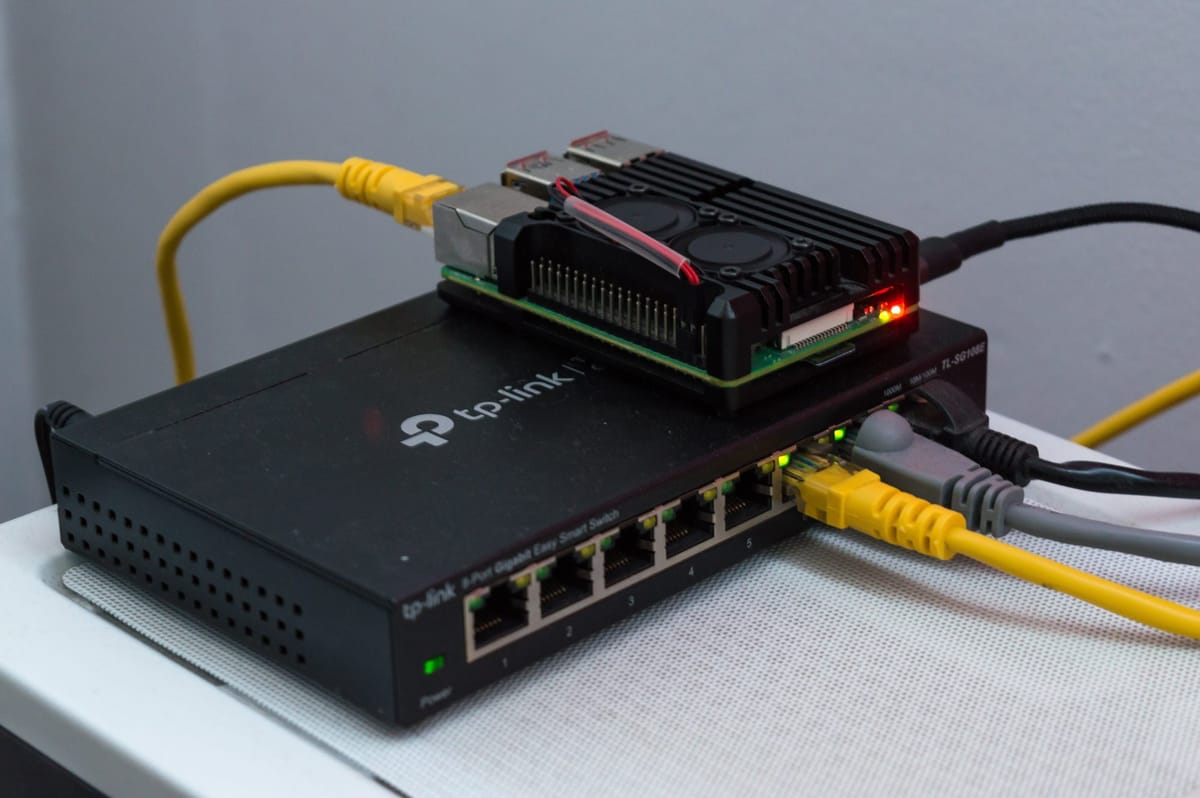

A Raspberry Pi Zero W had been humming along for ages. Then I moved it into a nice new case, and it went silent: no ping, no SSH, missing from the router's device list, solid green LED. Everything about it screamed dead SD card. Everything about it was lying.
Autopsy on another machine
With the Pi powered off, the card went into a USB reader on a laptop. Both partitions mounted cleanly, which already ruled out the most common way these things die. Then the timestamps started talking:
- Files under
/var/lib/systemd/timers/showed daily jobs running after the outage. So Linux had booted and kept on running. - The Pi Zero has no real-time clock. Its last write was about six hours behind the real time it was unplugged, which means it never once reached a time server. The patient was alive, just completely offline.
The smoking gun
$ ls -l /etc/netplan/
-rw------- 1 root root 0 ... 90-NM-....yaml
The Wi-Fi profile was a zero-byte file, and NetworkManager had no other saved connection to fall back on. Most likely, power got cut while that file was being rewritten, leaving it empty. The first-boot setup only writes network settings once, so every boot after that cheerfully came up with no network at all.
And that solid green LED? Red herring. On a Zero, the activity LED stays lit when the system is up and idle.
The fix
Still on the laptop, I wrote a fresh NetworkManager keyfile into /etc/NetworkManager/system-connections/ (owned by root, mode 600) and moved the empty file aside rather than deleting it. Back in the Pi, it was on the network about 80 seconds after power-on, like nothing ever happened.
Small Pis on SD cards hate having the power yanked. sudo poweroff first, then unplug.